Here's Why InterviewSpeaker Really Works
Our multi-layered undectability that ensures no suspicion is ever raised.
Scenario
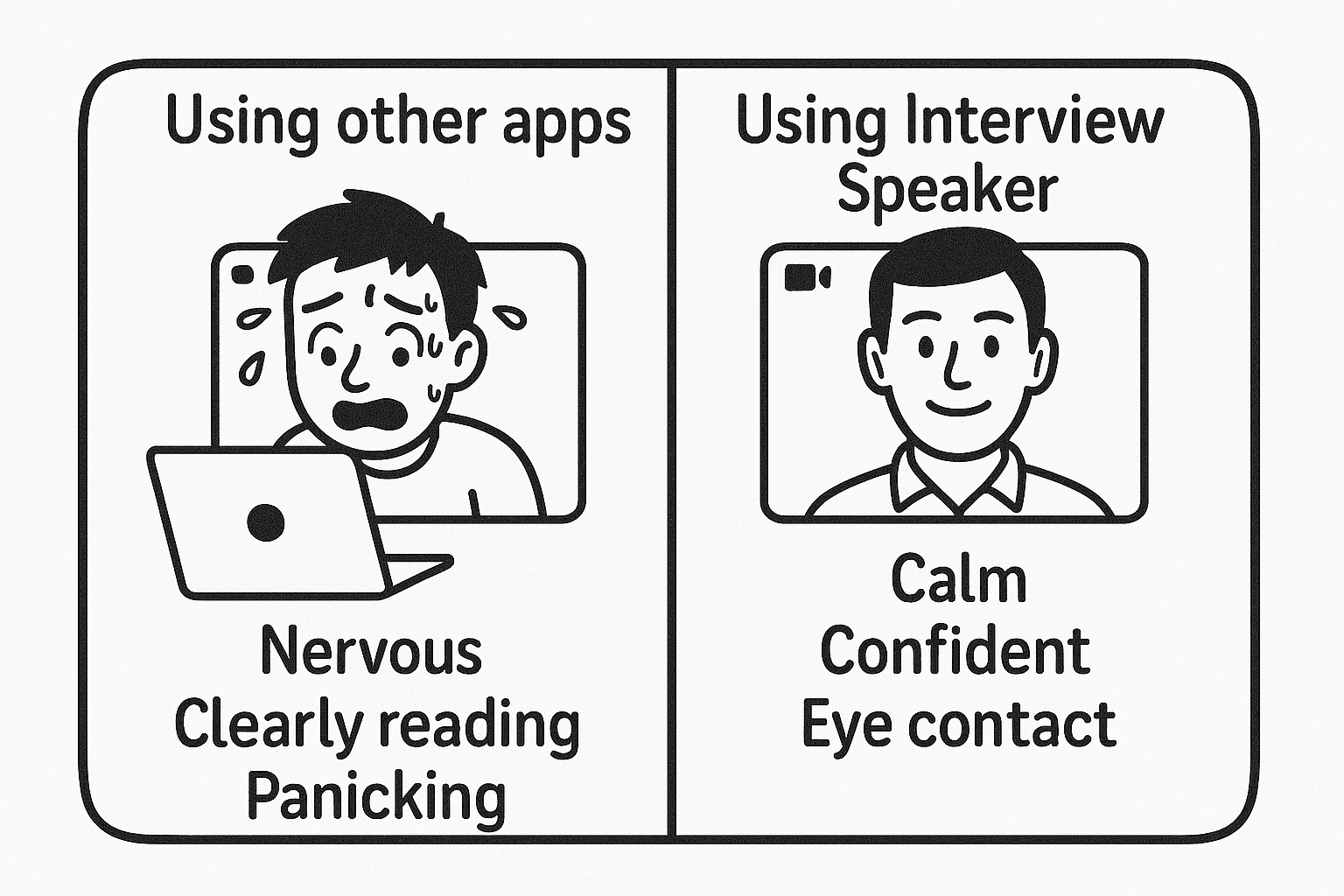
You're on a Google Meet. Your heart's pounding. You KNOW the answer, but the words just won't come. Reaching for notes or switching tabs? Impossible—it would look suspicious and break your flow.
"Oh no—did they catch me glancing away?"
We Solve That
With multi-layered invisibility, InterviewSpeaker ensures you get the right prompt exactly when you need it—without raising a single eyebrow. Here's how each layer works together to keep you calm, focused, and undetectable.
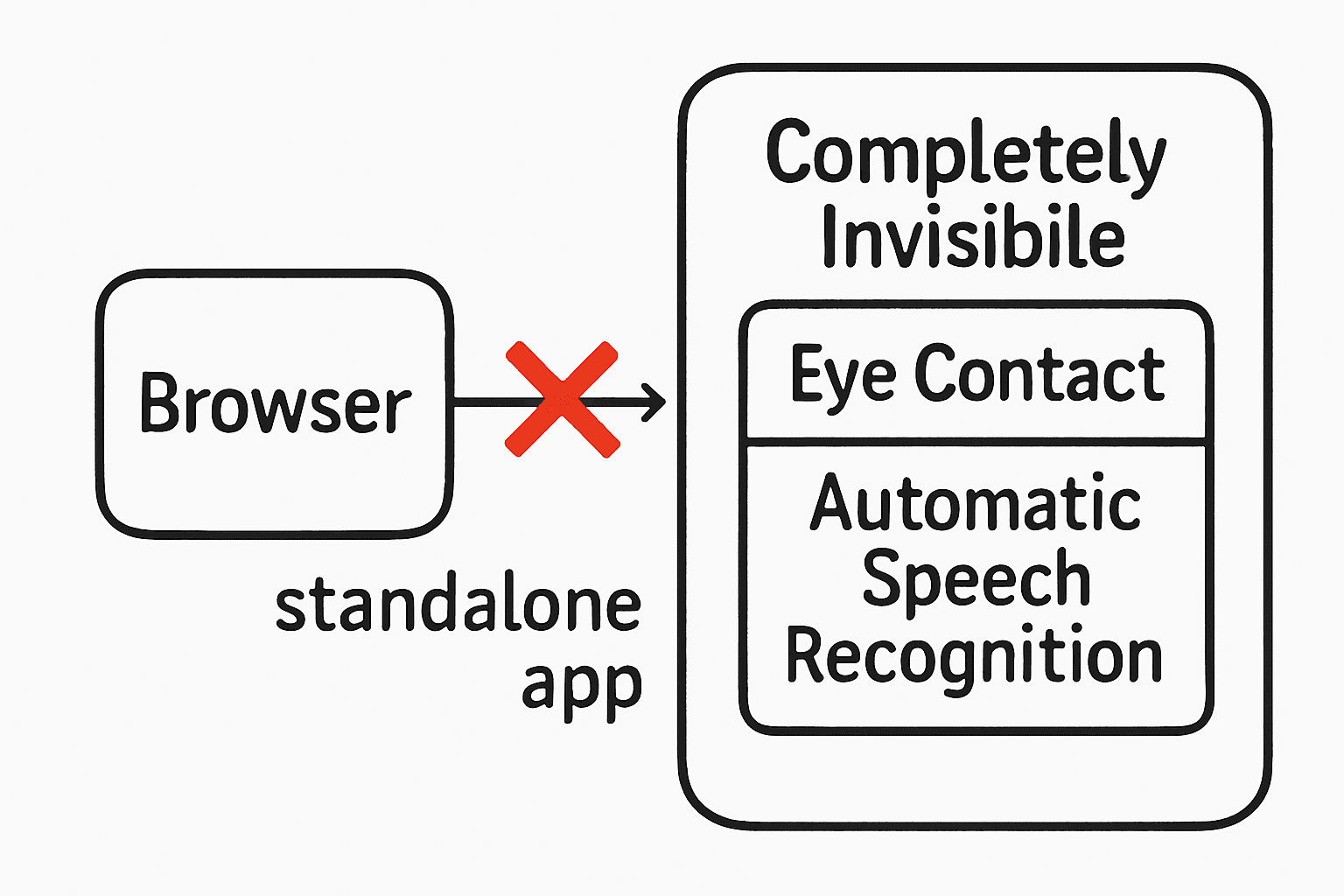
1. Completely Invisible
Other interview assistance tools are meant for coding interviews—where screen sharing is mandatory. InterviewSpeaker is built for verbal interviews, which rarely require screen sharing. But what if they do ask? Our app still remains completely invisible, even to screen-share or recording software.
2. Eye-Contact Tech
Reading long paragraphs kills the natural flow. That's why we display assistance as concise bullet points inside a small eye-contact box. Its design keeps your eyes focused in one spot—no wandering, no scanning, just smooth, confident delivery.
You can tweak the text size and box width to suit your style, ensuring maximum readability while minimizing eye movement.
3. Intuitive Commands
Our intuitive commands make it easy to control the app without having to use the mouse or looking away from the screen. Skip bullet points, move around the app, change opacity, all without breaking your flow.
4. App, Not Browser
Browser-based tools can only detect activity within the tab—like switching tabs or pasting text. InterviewSpeaker runs as a standalone desktop app, completely outside that sandbox. Platforms have no way to see our activity or even know we're running.